SeriousIT
CPA and tax firms

Nothing changes
in April.

Managed IT for Utah CPA and tax firms, built around the filing calendar: tax software and portals that hold through busy season, upgrades that land in the quiet months, and the written security plan the FTC and the IRS now require, kept current for you.

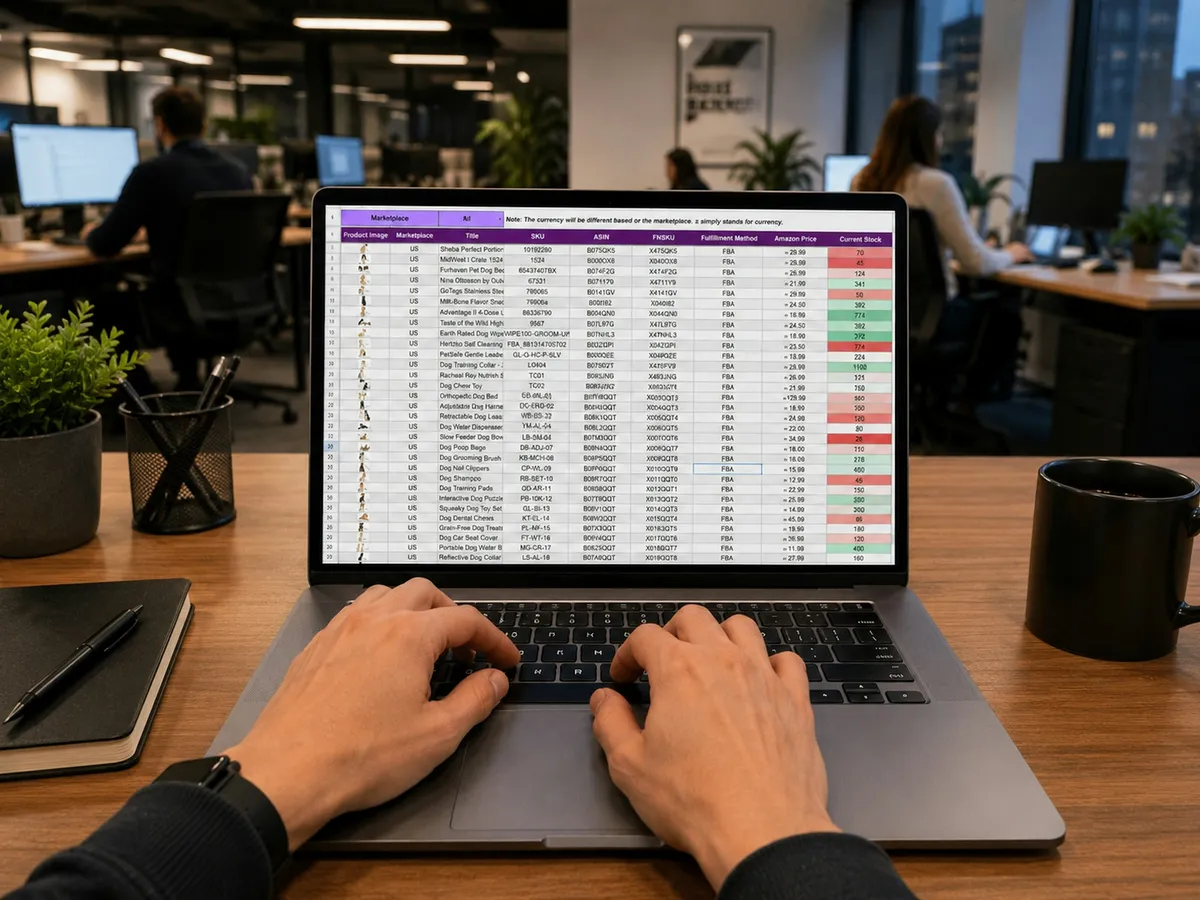
Hands typing on a laptop showing a spreadsheet
April 14, every workstation up, nothing changing
The filing year

We plan around your calendar, not ours.

A CPA firm has two seasons where nothing can move and a few months where everything should. We freeze the network around the deadlines, and we land every upgrade, migration, and restore test in the quiet.

change freeze: nothing movesour window: upgrades, migrations, restore tests
JanFebMarAprMayJunJulAugSepOctNovDec
May to Aug
Upgrades and migrations

Server replacements, cloud moves, new laptops, and the portal change you have been putting off, done with time to settle before fall.

May, Nov
Restore tests and the risk assessment

We open the backup and prove it, and we rewrite the risk assessment while the last season is fresh.

Nov to Dec
New tax year software

The annual tax software release installed, tested with a prior-year return, and locked before the first organizer goes out.

Security fixes still land during a freeze when they must, with your approval and a rollback staged. Everything else waits.

The Safeguards Rule, delivered

The written plan the IRS asks about, kept current for you.

The FTC Safeguards Rule treats a tax preparer as a financial institution. It requires a written information security plan, a named person responsible for it, a risk assessment, MFA, encryption, vendor oversight, an incident plan, training, and a yearly report to the owners. Since 2024 it also requires notifying the FTC of a breach affecting five hundred or more clients within thirty days. We run the program and keep the evidence.

The plan is only worth anything if it matches the firm. We write it from what we manage, so every line is something we can show.

What a covered firm looks like
The Safeguards Rule items we keep current for every CPA client
  • Written information security plan current current
  • Qualified individual named and reporting on file current
  • Risk assessment due in 8 weeks scheduled
  • MFA on tax software, email, and remote access enforced current
  • Client data encrypted at rest and in transit verified current
  • Service-provider oversight 9 vendors reviewed current
  • Backup restore test, tax data passed May current
  • Incident response plan, FTC notice clock rehearsed current
  • Staff security training 14 of 14 current
Every line is documented and evidence-backed, so when the IRS, a client, or your insurer asks for the plan, the answer is a file, not a scramble.
The Safeguards year, item by item
A year of the program, item by item. Dots are the months we act; bars run all year.
The written information security plan

Built on the IRS template, then made true for your firm: systems, people, vendors, and the controls that actually exist.

A qualified individual, with us behind them

The rule names one person responsible. We give that person the reports, the evidence, and the yearly summary for the partners.

Risk assessment

Where client data lives, who can reach it, and what would happen if the tax server died on April 10. Written down, reviewed yearly.

MFA and encryption everywhere it counts

Tax software, email, the portal, remote access, and laptops that leave the office. Named accounts, so the review trail is real.

Service-provider oversight

Hosting, portal, e-signature, payroll, and AI vendors reviewed and on a list, with the terms that matter recorded.

Backups with tested restores

Tax data and workpapers backed up off site and opened on a schedule, so a failure in April is a restore, not a rebuild.

Incident response, with the FTC clock

Who calls whom, what gets preserved, when the FTC and clients are told, rehearsed before it is needed.

Evidence and attestation

The PTIN attestation, client security questionnaires, and the insurer renewal answered from files we already keep.

An accountant working at a desk with a monitor and plants
Day one

Day one: what we usually find.

An inventory, not a pitch. These are the conditions we walk into at most firms, in the order we find them.

  1. Tax software on a server nobody has restored

    Ten years of returns on one box in a closet. The backup runs. Nobody has ever opened it to see if it works.

  2. Client documents arriving by email

    W-2s, 1099s, and bank statements as attachments in a shared inbox, forwarded to personal phones during busy season.

  3. Remote desktop open to the internet

    Preparers work from home through a port on the firewall with a password and no second factor. It is the first thing an attacker checks.

  4. One login for the tax software

    Every preparer signs in as the same user, so nobody can say who touched a return, and the departed seasonal hire still can.

  5. A PTIN attestation with no plan behind it

    The renewal asked whether the firm has a written information security plan. Someone checked yes.

  6. The update that landed on April 9

    A vendor patch, a printer driver, or a router firmware change in the second week of April, because nobody owns the calendar.

AI, done right

AI drafts the client letter. It should never see the return to do it.

Tax research assistants, engagement letters written in a chatbot, a spreadsheet summarized by a copilot, and a preparer pasting a K-1 into a free tool to explain it. The good news: the useful parts of that work without client data. The rest is a Safeguards Rule finding and a client trust problem.

Already happening on your network
  • Tax research assistants built into the tax and research platforms
  • Client letters and proposals drafted in free chatbots
  • Copilots inside Microsoft 365 with access to the whole file share
  • Returns and statements pasted into AI tools to be summarized
Nobody meant to create a risk. They wanted the work done faster. The fix is a short list and a few settings, not a ban.
An approved list with a rule for each

The research assistants and copilots the firm pays for, what each may see, and what it may not. Short enough to remember in April.

AI vendors reviewed like any service provider

The Safeguards Rule treats an AI tool that sees client data as a service provider. We review the terms, turn off training on your data where the setting exists, and keep the record.

Copilots scoped to what the person could already open

A copilot inherits the file permissions of whoever asks. We fix the permissions first, so it cannot surface a return the preparer was never meant to see.

A preparer signs, the AI drafts

Research memos and client letters start from a draft. A CPA reviews, edits, and signs, and the workpaper says so.

Never leaves the building
  • Returns, K-1s, or statements in free chatbots
  • Social Security numbers or bank details in any prompt
  • Client lists in personal AI accounts
  • AI tools with no vendor review

The AI rule is a page inside the written information security plan, reviewed with the rest of it every year, so it never becomes its own project.

The software we live in

We already know your stack.

Tax and accounting software, the client portal, and the everyday office systems around them.

Tax and accounting
  • Lacerte, ProSeries, UltraTax CS, Drake, and CCH Axcess
  • QuickBooks Desktop and Online, Xero
  • Hosted desktops such as Rightworks, supported properly
  • Cloud moves when the firm is ready, never in season
Client documents and workflow
  • Client portals such as SafeSend, ShareFile, SmartVault, and TaxDome
  • E-signature and organizers
  • Practice management such as Karbon and Canopy
  • Scanners and PDF workflow that behave in April
The rest of the office
  • Microsoft 365 with MFA and encrypted email
  • Laptops for remote preparers, encrypted and managed
  • On-prem servers while you need them, backed up off site
  • Phones with a busy-season call flow

We support the software the firm runs and work with its vendors. Migrations and upgrades happen in the quiet months, on a calendar you approve.

After go-live

What changes for the people in the firm.

The partner, the preparers, and the office manager each feel it differently. This is what each of them gets.

Partner

The plan the IRS asks about exists.

  • A written security plan you can hand over, kept current for you.
  • Nothing changes on the network between January and April without your say.
  • One bill, one number, and a person who answers on April 14.
Preparers

Fast in busy season, from anywhere.

  • Tax software and the portal that hold at full load.
  • Secure remote work that feels like the office, with MFA that takes seconds.
  • Named logins, so the review trail is real.
Office manager

Client documents in one place.

  • A client portal instead of a shared inbox.
  • New preparers ready before their first day, gone the day they leave.
  • Vendor reviews and training tracked, not remembered.
Which plan

Most firms land on Hardened.

Same plans as every SeriousIT client. The Safeguards Rule program is what a tax firm needs, so Hardened is where most firms belong.

Hardenedmost common
The Safeguards program above, 24/7 detection and response, log retention, and the evidence the IRS, your clients, and your insurer ask for.
Secured
Bookkeeping and advisory firms without tax preparation that want the security baseline with EDR, email security, and tested backups.
Managed
Rarely the right fit for a firm holding client financial data. We will tell you if it is.
Questions we get

Straight answers.

Do we really need a written information security plan?

Yes. The FTC Safeguards Rule applies to tax preparers, and the IRS asks about the plan at PTIN renewal. We write it from what we actually manage and keep it current.

Will you change anything during busy season?

No. From mid-January through the April deadline, and again through the October extension deadline, the network is frozen except for security fixes you approve.

Can you support hosted desktops like Rightworks?

Yes. We support the firm side, the devices, identity, and the network, and coordinate with the hosting vendor on their side.

Our preparers work from home. Is that a problem?

Not when it is done right. Managed, encrypted laptops, MFA, and a secure path to the firm instead of a remote desktop port on the firewall.

What about seasonal preparers?

Named accounts created before their first day and removed on their last, from a roster, so nobody keeps access past the season.

Can you help with a client’s security questionnaire?

Yes. Larger clients increasingly ask their CPA for one. We answer it from evidence we already keep.

A person working on a laptop with charts and graphs

Start with a Safeguards gap check.

Send us your current bills and your written security plan, if you have one. We come back with what is exposed, what the plan would need to say, and what consolidating would cost.